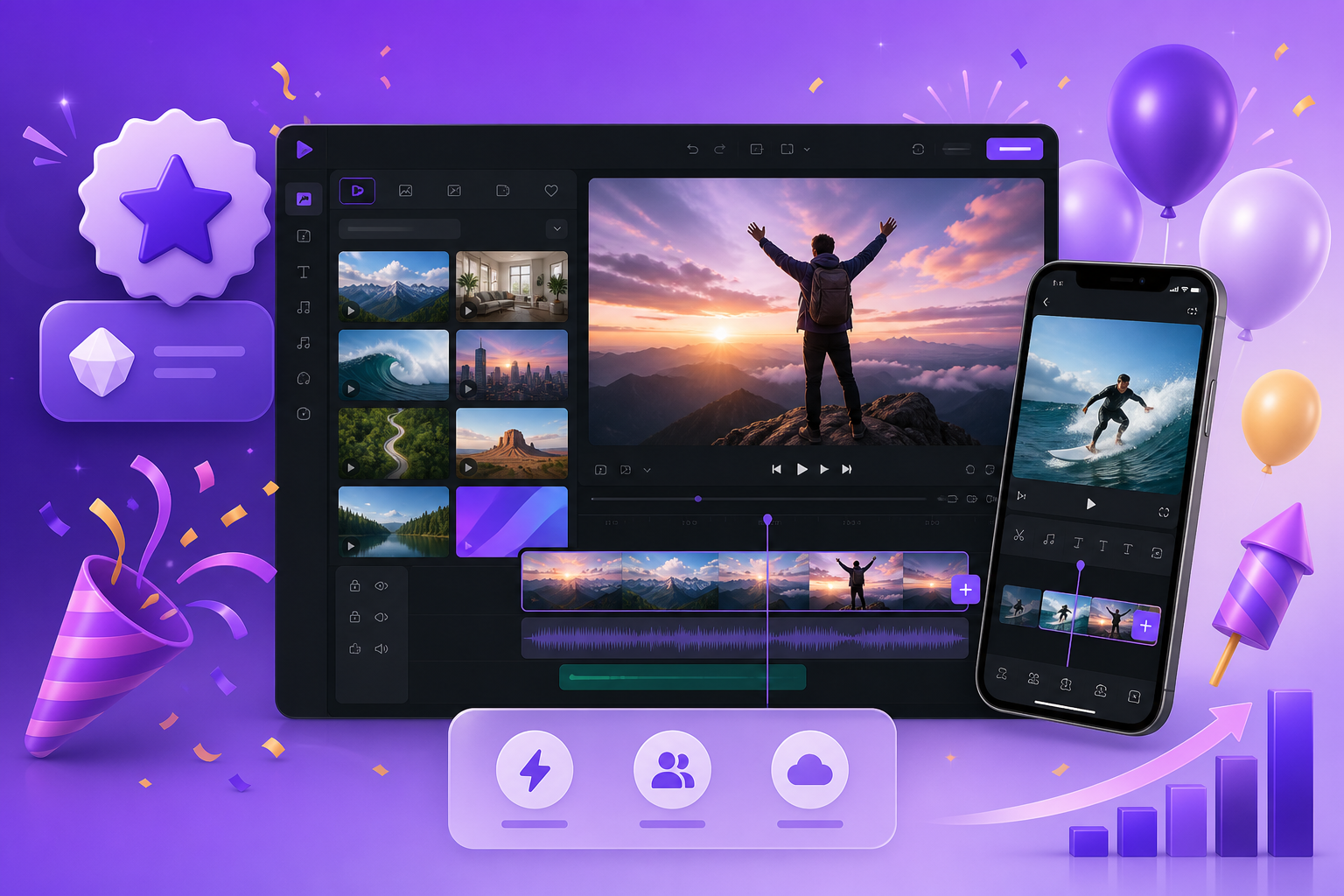
Product Update - August 2026
Five new things just landed on Blog2Video.
A new Lite plan at $9.99, stock footage you can drop straight into any scene, an image adjust window that finally shows the whole photo, voiceover recording in time with the visuals, and a far lighter experience on mobile.
1. The new Lite plan — $9.99 a month
There has been a gap between the per-video option and the Standard plan for a while. Some people do not need thirty videos a month. They need a handful, reliably, without thinking about credits every time.
Lite fills that gap: 10 videos every month, 2 custom video templates built from your own site, and 300 AI edit credits for image regeneration and voiceover edits — for $9.99 a month, or $7.99 a month billed annually.
It is the easy way in. If you outgrow it, Standard and Pro are one click away, and nothing you have already made goes anywhere.
- 10 videos per month
- 2 custom video templates in your own brand look
- 300 AI edit credits per month
- $9.99/month, or $7.99/month billed annually ($95.88/year)
2. Stock footage, right inside your scenes
Until now a scene was type, charts, and images. Now it can hold real footage. Search for a clip from inside the editor and drop it straight into any scene.
The footage sits behind your text and motion the same way a generated image would — same framing controls, same scene timing, no round trip through an external editor and no re-render of anything else.
That is the difference between a video that illustrates your post and a video that has something behind it. A market breakdown gets a trading floor. A travel piece gets the road. Stock footage is wired into the built-in templates and the custom template flow, so it works wherever you already are.
3. The image adjust window got a lot better
The old crop window had one real problem: it showed you the crop, not the photo. You were adjusting a frame while half-blind to what sat outside it.
The rebuilt window shows the entire picture, with the crop region drawn on top of it. Drag it where you want it, zoom in, and save. What you see is what renders — and because framing is stored per orientation, a landscape adjustment does not fight with the portrait cut of the same asset.
Small change to describe. Large change if you have ever lost a subject's head to an automatic crop.
4. Record your voiceover with the scene playing beside you
Recording your own narration used to be a guessing game about timing. You would record, attach, play it back, discover you were two seconds long, and go again.
Now the scene plays right beside the recorder while you speak. You watch the visuals move and narrate to them, so every word lands in time with what is on screen. No stopwatch, no third-party editor, no re-cutting your own audio to fit.
It works per scene, so you can record one line in your own voice and leave the rest to the AI voice — or do the whole thing yourself.
5. Much less memory on mobile
The editor was heavy on phones. Previews would hold on to memory, and long sessions on a small screen ended in reloads.
We went through the mobile preview path and cut memory use substantially: lighter previews, far fewer reloads, and a much smoother ride on a small screen. If you have been editing on a laptop purely because the phone gave up halfway, it is worth trying again.
Try it
All five are live now at blog2video.app. Go make something great.
Made with love, by Firebird Technologies.
Frequently Asked Questions
What do you get on the Lite plan?
10 videos per month, 2 custom video templates, and 300 AI edit credits per month, plus the standard subscription features. It costs $9.99 per month, or $7.99 per month if you pay annually ($95.88 per year).
How does stock footage work in a scene?
Search for a clip inside the editor and drop it into any scene. It behaves like any other scene asset — same framing controls and scene timing — so you do not need an external video editor or a full re-render of the project.
What changed in the image adjust window?
It now shows the entire image with the crop region drawn on top, instead of only the cropped area. You can drag the crop where you want it, zoom in, and save, and framing is stored per orientation so landscape and portrait versions do not overwrite each other.
Can I record my own voiceover while watching the scene?
Yes. The scene plays beside the recorder while you speak, so your narration lines up with the visuals. You can do this per scene and mix your own recordings with AI voiceover in the same video.
Is Blog2Video usable on a phone now?
It is much better. The mobile preview path was reworked to use significantly less memory, which means lighter previews and far fewer reloads during a long editing session on a small screen.