Product Update - September 2026
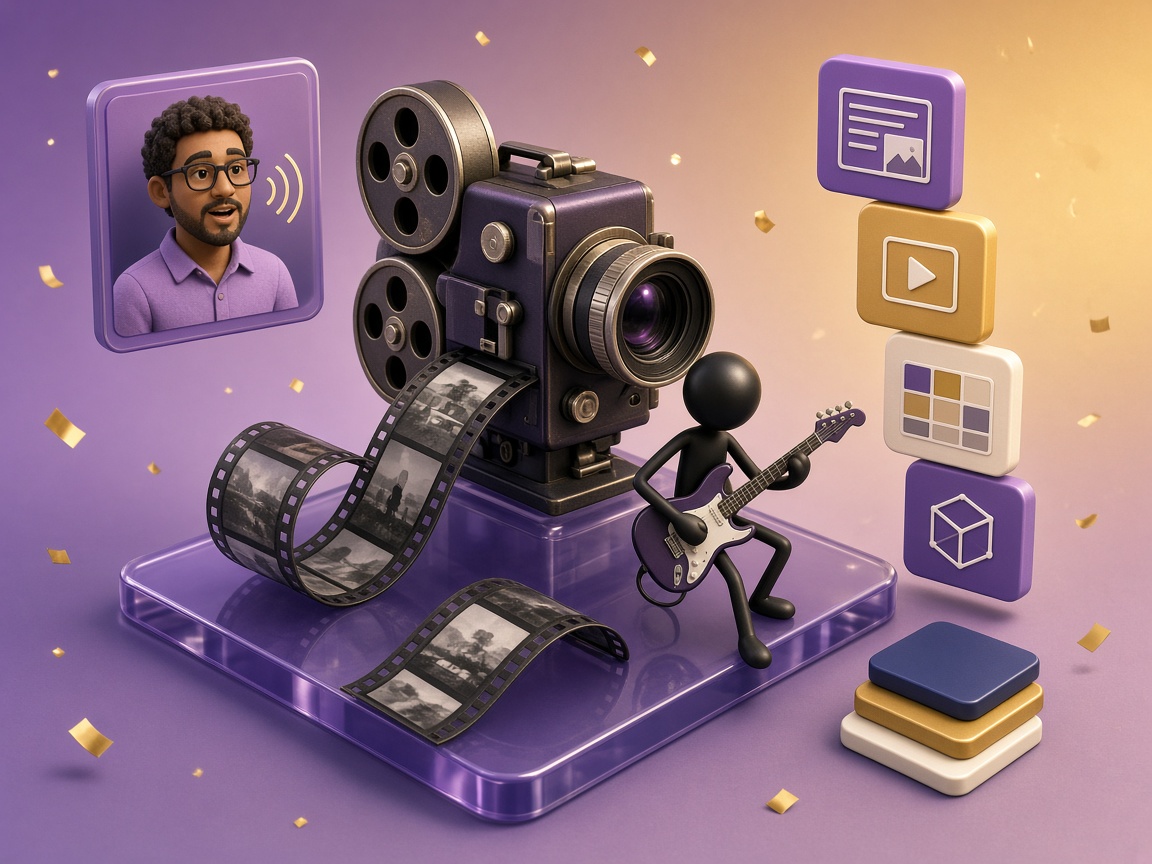
Four updates. Four tracks. One stickman with an electric guitar.
A brand new Documentary template, automatic sizing for every headline and image, Avatars in beta, and custom templates designed from your own website or brand document. All four are live now.
We let one stickman play the release like a gig
Four new things shipped this month, so rather than a feature tour we made a release video that treats them as a setlist. One stickman, one electric guitar, four tracks, and an encore.
The soundcheck opens on the numbers, because they are the part we are quietly proud of: 5,000 creators, 7,500 videos made, 600,000 scenes rendered, and 7,200 edits made inside the editor. Then it works through the four releases in order.
The video is embedded at the top of this post. Here is the written version of the same setlist.
- 0:00 Soundcheck - the numbers
- 0:16 Track one - the Documentary template
- 0:31 Track two - Auto-Adjust
- 0:48 Track three - Avatars (Beta)
- 1:05 Track four - custom templates from your brand
- 1:24 Encore - blog2video.app
1. The Documentary template - a 1960s film finish
This is a brand new look, and it is the least software-shaped template we have built. It is a period film grade rather than a filter dropped over the top of a modern layout.
Hard grain, gate weave so the frame breathes the way a projected print does, sprocket edges down the side, bold archive-style titles, and a proper black and white grade rather than a desaturation pass. Everything is rendered programmatically, which is why the grain sits under the type instead of over it and the weave moves the whole frame together.
Point it at any story and it plays like it was shot decades ago. It suits history explainers, origin stories, obituaries and tributes, brand founding myths, and anything where the subject deserves weight rather than motion graphics. It is available in 16:9, 9:16 and 1:1 like every other template.
2. Auto-Adjust - every headline and image sized to its frame
This is the least glamorous item on the list and probably the one you will notice most.
Every headline and every image is now sized automatically to fit its frame. No more text spilling past the edge because a heading ran three words long. No more images that land slightly wrong because the aspect ratio of the source did not match the slot. What you see in the editor is exactly what renders.
It works across all three orientations, which is the part that actually mattered. A headline that fit comfortably in 16:9 used to be the same headline that broke in 9:16, so a vertical cut of a finished video needed a second pass by hand. Auto-Adjust resolves the fit per orientation, so the same project exports cleanly to landscape, vertical and square without you re-checking every scene.
- Headlines resize to fit their frame instead of overflowing it
- Images are scaled and framed to their slot automatically
- Resolved independently for 16:9, 9:16 and 1:1
- The editor preview matches the rendered output
3. Avatars (Beta) - upload a photo, get a presenter
Upload any photo and Blog2Video brings it to life: your presenter, speaking your script, lip-synced to the narration, scene after scene. Or pick one of ours if you would rather not put your own face on it.
The lip sync is driven by the narration track that already exists in the project, so the avatar follows whatever voice you chose - a prebuilt voice, your cloned voice, or a recording you made yourself. It carries across scenes rather than being a single talking-head clip bolted to the front.
It is in beta, and we are calling it that honestly. It works well on clear, front-facing, well-lit portraits and gets less reliable as the source photo gets further from that. Try it, tell us where it breaks.
4. Custom templates, generated from your brand
Give it your website, a prompt, or a brand document. It reads your colours, your fonts and your whole feel, and designs a template around them.
The output is not a colour swap on a stock layout. It is a template - type scale, layout logic, accent treatment, motion - built from what it found, and it is fully editable afterwards, right down to the accent colour. If the generated palette is close but the accent is one shade off, change it and every scene follows.
A brand document is now a first-class input alongside a URL. If your brand lives in a PDF rather than on a website - which is true for most agencies working on behalf of a client - you can hand it the PDF instead.
The numbers behind them
The soundcheck at the start of the video is not decoration. Those are the counts as of this release: 5,000 creators, 7,500 videos made, 600,000 scenes, and 7,200 edits.
The edit number is the one we watch most closely. It is the count of times somebody opened a generated video and changed something - a headline, an image, a scene order. A tool that generates video you never touch is a tool producing video nobody cares enough about to fix. Every one of those 7,200 edits is somebody deciding the video was worth getting right.
Got a PDF instead of a blog post?
Everything above works the same way when the source is a document rather than a URL. If PDFs are your main input - reports, whitepapers, lecture decks, research summaries - there is a dedicated build for exactly that job at pdf2vid.com.
You upload the PDF, it reads the structure, and it turns the pages into narrated scenes with the same templates, the same Auto-Adjust sizing, and the same export options. It is the shortest path from a document nobody opens to a video people actually watch.
Somewhere to put the video once it exists
Making the video is half the job. The other half is getting it in front of somebody, and that is a distribution problem rather than a production one.
If you publish a blog or a newsletter, bloghub.app is a directory built for exactly that - a place to list the publication, get discovered by readers who are browsing rather than searching, and pick up a real indexed link back to your site while you are there.
Try it
All four are live right now at blog2video.app. Go make something worth watching.
Made with love, by Firebird Technologies.
Frequently Asked Questions
What is the Documentary template?
It is a new Blog2Video template with a 1960s film finish - hard grain, gate weave, sprocket edges, bold archive-style titles, and a full black and white grade. The effects are rendered programmatically rather than applied as a filter, so the grain sits under the type and the weave moves the whole frame. It is available in 16:9, 9:16 and 1:1.
What does Auto-Adjust do?
It automatically sizes every headline and every image to fit its frame, so text no longer overflows the edge and images no longer land badly in their slot. The fit is resolved separately for 16:9, 9:16 and 1:1, which means the same project exports cleanly to all three orientations without a manual pass per scene. The editor preview matches what renders.
How do Avatars work in Blog2Video?
You upload a photo - your own or anyone you have the right to use - and Blog2Video animates it as a presenter that speaks your script, lip-synced to the narration track already in the project. You can also pick one of the built-in avatars. It runs across scenes rather than as a single clip, and it works with prebuilt voices, cloned voices, and your own recordings.
Are Avatars out of beta?
No. Avatars shipped in beta with this release. They work best on clear, front-facing, well-lit portrait photos and get less reliable as the source photo moves away from that. It is usable today, but treat it as beta and check the output.
Can Blog2Video build a template from a brand document instead of a website?
Yes. As of this release you can give it a website URL, a written prompt, or a brand document such as a PDF brand guide. It reads the colours, fonts and overall feel and designs a template around them, and the result stays fully editable afterwards including the accent colour.
When was the September 2026 Blog2Video update released?
5 September 2026. It shipped four features together: the Documentary template, Auto-Adjust sizing for headlines and images, Avatars in beta, and custom template generation from a website, prompt, or brand document.