Product updates
We're shipping our biggest update yet.
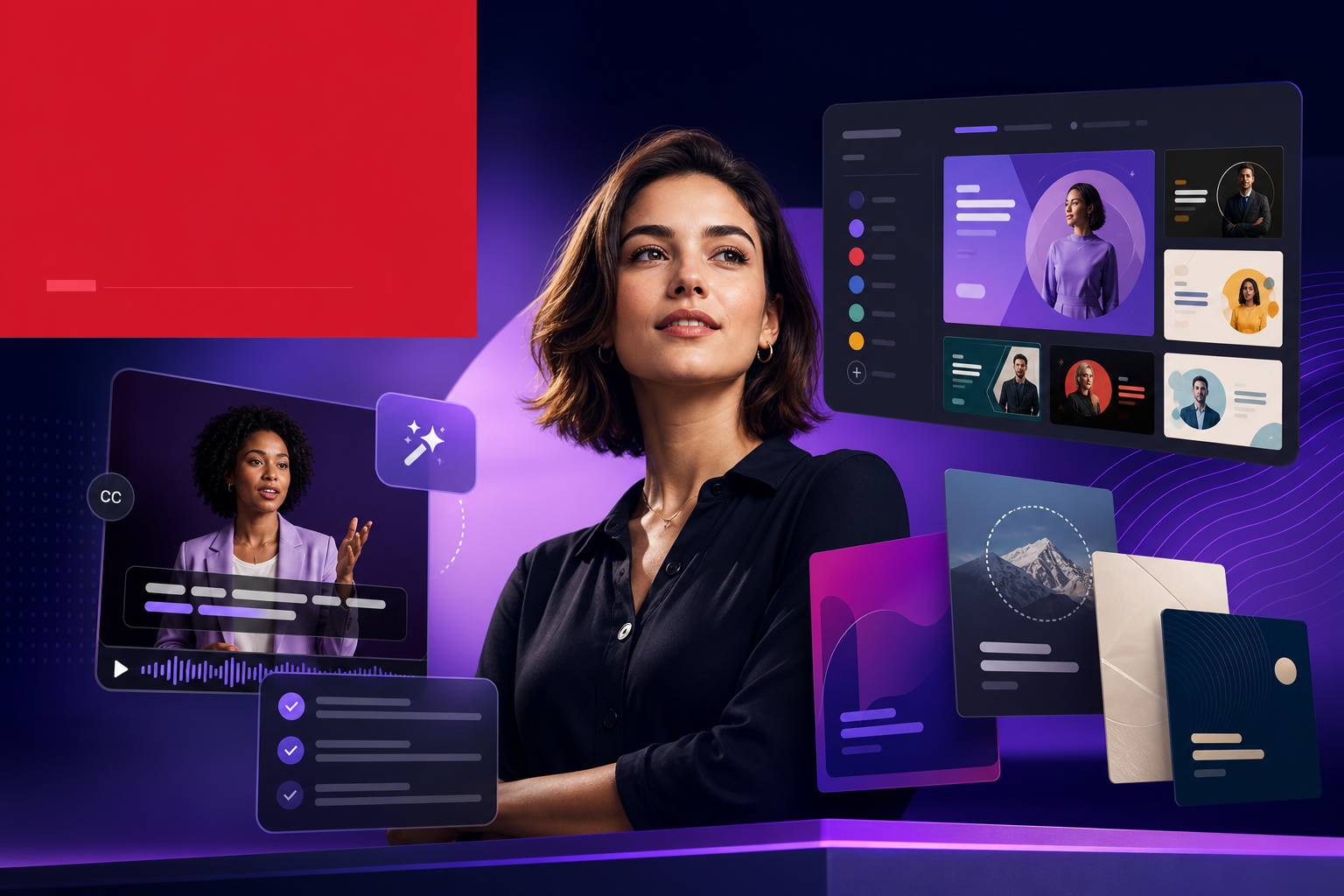
A new Magazine template puts you on the cover of TIME. Automatic captions now run on every video. A Custom Template Generator lets you build your own look. Plus upgrades across every existing template.
A new Magazine template puts you on the cover of TIME
This is the one people have been asking for.
The Magazine template turns your content into a glossy editorial cover story — starting with your subject on the cover of a TIME-style magazine, masthead and cover lines included. From there it unfolds as a designed print spread: feature layouts, editorial pull quotes, interview Q&As, by-the-numbers panels, and data charts.
It's built for the content that deserves prestige treatment — founder profiles, customer spotlights, milestone announcements, and personal-brand pieces. Instead of a slideshow, you get something that looks like a real editorial team art-directed it.
Automatic captions now run on every video
Most video gets watched on mute. Now every video you generate comes with captions automatically — no extra step, no separate tool, no manual timing.
Captions are burned in and synced to the narration, so your content stays readable in the feed whether the sound is on or off. It's on by default across every template.
A Custom Template Generator lets you build your own look
Our templates cover a lot of ground, but sometimes you want something that's unmistakably yours.
The Custom Template Generator lets you build your own look. Point it at your brand — your colors, your fonts, your style — and it generates a bespoke template that applies that identity to every scene, so your videos look like your design team made them instead of a generic theme.
Plus upgrades across every existing template
We didn't just add new things — we went back through every existing template and made it better. Cleaner layouts, smoother motion, sharper typography, and better handling of images and data across the board.
If you have a template you already love, it just got an upgrade too.
Not a subscription person? Lifetime access, for a limited time
We know subscriptions aren't for everyone. For a limited time, a handful of users can grab lifetime access instead — pay once, keep it.
It's a small batch and it won't last, so if the pay-once model is more your speed, this is the window.
Try it
Turn any idea into a share-ready video in minutes. Everything above is live now at blog2video.app.
Made with love by Firebird Technologies.
Frequently Asked Questions
What is the new Magazine template?
Magazine is a glossy editorial template that turns your content into a cover story — it puts your subject on the cover of a TIME-style magazine, then unfolds the rest as a designed print spread with feature layouts, pull quotes, interview Q&As, and by-the-numbers panels.
Do I have to turn captions on?
No. Automatic captions now run on every video by default, synced to the narration and burned in, so your content stays readable whether viewers watch with the sound on or off.
What does the Custom Template Generator do?
It lets you build your own look. Give it your brand — colors, fonts, and style — and it generates a bespoke template that applies that identity to every scene, so your videos match your brand instead of using a generic theme.
What changed in the existing templates?
Every existing template received upgrades — cleaner layouts, smoother motion, sharper typography, and better handling of images and data — so templates you already use look better too.
How does lifetime access work?
For a limited time, a small batch of users can buy lifetime access instead of a subscription — a one-time purchase. It's limited availability, so it's offered while the batch lasts.