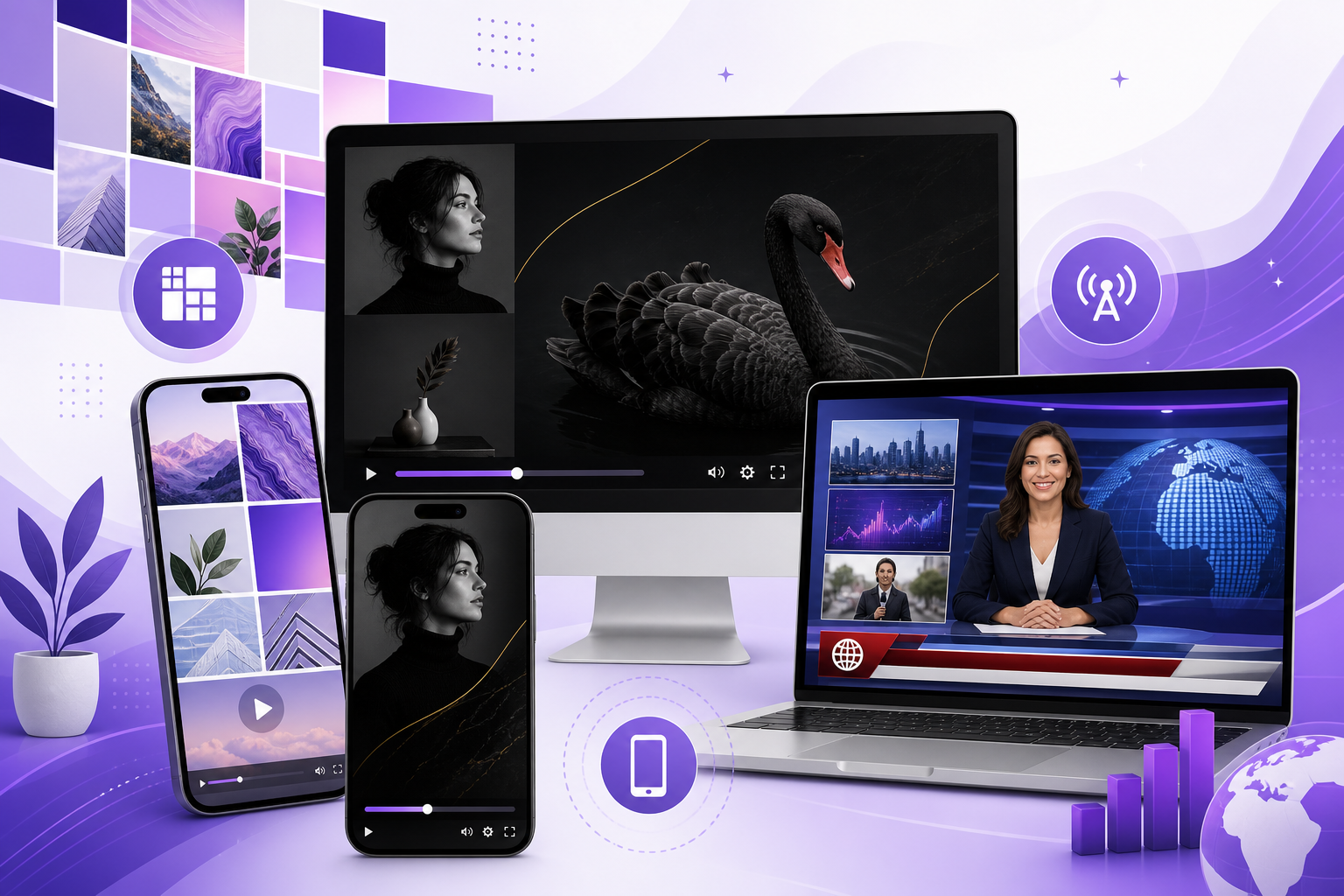
Product Update - April 2026
One of our biggest Blog2Video releases yet is live now.
This release adds Mosaic and Black Swan, makes the app fully responsive on mobile and tablet, upgrades Newscast structure and data visuals, improves playback and render controls, and raises voiceover quality across the board.
Still the same simple loop
If you are new to Blog2Video, the core workflow has not changed: paste a link, pick a voice and a template, then hit generate. That simplicity is still the point. This release improves what happens around that loop so creation feels faster, sharper, and more reliable without making the product more complicated.
Whether you are turning a long article into a polished explainer or publishing a recurring weekly show, the update is designed to reduce the amount of cleanup, waiting, and manual adjustment between source material and finished video.
Two new templates: Mosaic and Black Swan
Mosaic is built for editorial, multi-panel, brand-forward storytelling. The layout system leans on clean grids, strong typography, and a visual rhythm that feels closer to a serious publisher than a generic slideshow.
Black Swan takes the opposite approach: dark, cinematic, and high-contrast, with the kind of neon energy that fits launches, announcements, and moments that should feel more dramatic than a standard blog recap.
Both templates are production-ready the moment you select them, so teams can choose the tone that fits the story without needing a separate design pass.
- Mosaic: editorial, modular, and brand-forward
- Black Swan: dark, cinematic, and launch-friendly
- Both templates are ready to use immediately
The full product now works properly on mobile
Blog2Video is now fully responsive across phone and tablet. Creation, editing, controls, and project management are no longer treated like a compressed desktop view. The product behaves like something designed for smaller screens from the start.
That matters in real workflows. If you need to tweak a script while commuting, review a scene from the couch, or approve a render away from your desk, you can do it without fighting the interface.
Newscast got smarter and data got cleaner
The Newscast template now handles story structure more cleanly, treats source material more accurately, and avoids more of the awkward AI transitions that break the illusion of a polished broadcast segment.
Data-heavy scenes also look more like television graphics and less like pasted spreadsheet content. Chart-style visuals, including line-style trend treatments, now read the way viewers expect a briefing or update to read on screen.
- Better story structure for broadcast-style videos
- Cleaner handling of source material and fewer awkward AI moments
- Chart-style visuals that present numbers like broadcast graphics
Faster review controls and more natural voiceovers
Playback and render speed are now more controllable, which makes review less tedious. You can move faster when checking pacing or catching typos, then render at full quality when the project is ready to publish.
Voiceover quality also improved across pronunciation, rhythm, and delivery. Those changes are subtle individually, but together they make explainers and product narration sound more human and easier to stay with from start to finish.
- Review faster with adjustable playback behavior
- Render at full quality when you are ready to publish
- Get clearer pronunciation and more natural narration rhythm
Custom templates can now be built with a designer and illustrator
The biggest unlock for some teams is not just picking a built-in template. It is commissioning a custom one built by a motion designer working with an illustrator, using your website, decks, and tone of voice as the source material.
That process goes beyond a theme swap. The result can include brand-matched layout systems, typography decisions, motion beats, and bespoke frame art so the finished output feels authored for your company rather than adapted from a generic preset.
You can iterate through written feedback until the template matches how your team actually presents itself on camera and across content.
Everything above is live now
Every part of this release is already live on blog2video.app. If you have been waiting for a better moment to turn a backlog of posts into video, this is a strong one: more visual range, better mobile usability, smarter news-style output, and cleaner narration in the same simple workflow.
Questions or a custom-template brief? Open the product, start from any article URL, and the workflow begins there.
Frequently Asked Questions
What is included in this Blog2Video release?
The release adds two new templates called Mosaic and Black Swan, full mobile and tablet responsiveness, a smarter Newscast workflow with better data visuals, more control over playback and render speed, stronger voiceover quality, and access to expert-built custom templates.
Does Blog2Video now work on phones and tablets?
Yes. The app is now fully responsive, so creation, editing, controls, and project management work properly on mobile and tablet rather than feeling like a squeezed desktop interface.
What changed in the Newscast template?
Newscast now structures stories more cleanly, handles source material more accurately, reduces awkward AI transitions, and presents charts and trend data in a more broadcast-style format.
Can I get a custom template made for my brand?
Yes. Blog2Video now offers custom-template work with a motion designer and illustrator who can build a template from your site, decks, and brand voice, then refine it through written feedback.