Integration guide
Qwen 3 plus Blog2Video MCP: Alibaba's open models, real video output.
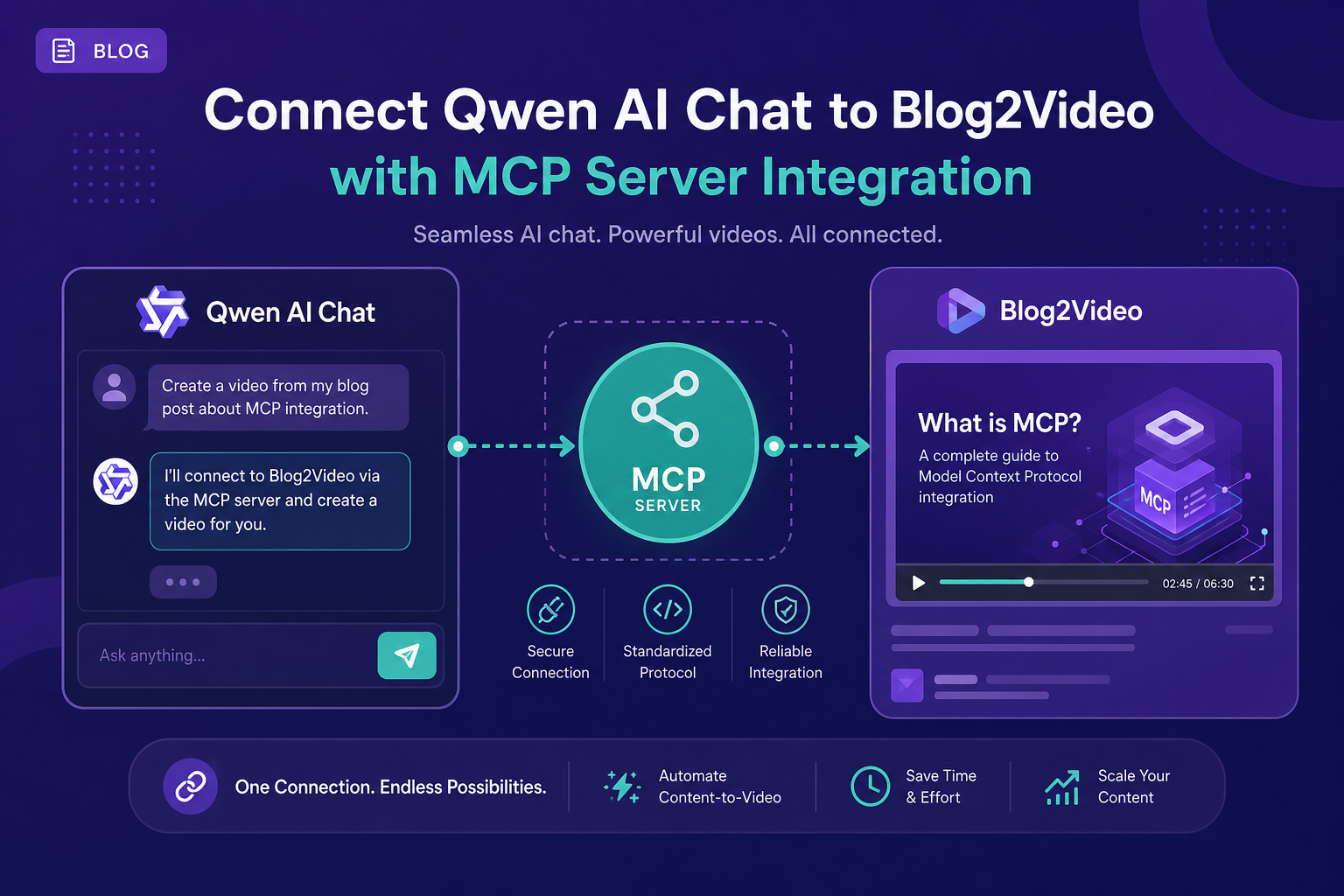
Qwen 3 from Alibaba supports MCP via an OpenAI-compatible function-calling format and the Qwen-Agent framework. Add the Blog2Video MCP endpoint and Qwen can scrape articles, generate scenes, and return preview links as part of any agentic task.
Qwen 3 and MCP: OpenAI-compatible tool calling
Alibaba's Qwen 3 family ships with strong tool-calling performance and an OpenAI-compatible function-calling interface. That means any MCP client designed for the OpenAI tools array — including standard MCP hosts — can route Qwen against remote MCP servers with no modification.
Qwen Code, Alibaba's coding agent CLI, also supports MCP natively, storing server configurations in a format compatible with other standard MCP clients.
What the Blog2Video MCP server does
The Blog2Video MCP server at https://api.blog2video.app/mcp/sse exposes the full video pipeline as callable tools. The most important are create_video (scrape a blog URL and generate a project), get_preview_url (get a shareable watch link), and render_video (produce a downloadable MP4).
Authentication is a Bearer token from Blog2Video's Connect to AI page. Every request from your Qwen-powered agent needs Authorization: Bearer followed by that token.
Method 1: Qwen-Agent framework
Qwen-Agent is Alibaba's official framework for building Qwen-powered agents. It supports MCP servers as tool sources. Configure an MCP tool with type mcp, server_protocol sse, the Blog2Video endpoint URL, and your Authorization header.
Once configured, create an agent with the MCP tool in its tools list and the Qwen model of your choice. The agent will automatically call the right Blog2Video tools in response to a blog URL.
- Tool type: mcp, protocol: sse.
- Server URL: https://api.blog2video.app/mcp/sse.
- Header: Authorization: Bearer followed by your JWT.
- Model: qwen3.5-plus or any Qwen 3 model.
Method 2: OpenAI-compatible API
Since Qwen uses the OpenAI-compatible function-calling format, you can use the standard MCP client approach: add the Blog2Video server to your MCP host, set the model to a Qwen API endpoint, and use your Qwen API key for model access.
Use the Alibaba Cloud Model Studio API endpoint with your Qwen model name such as qwen3.5-plus and include the Blog2Video MCP server configuration as you would for any OpenAI-format MCP client.
Method 3: Qwen Code CLI
If you use Qwen Code, Alibaba's coding agent CLI, you can add Blog2Video as an MCP server in the same way as other standard clients. Add an entry to the mcpServers config block with the Blog2Video endpoint and your auth header. The configuration format is compatible with Claude Desktop, Kimi CLI, and other standard MCP clients.
Frequently Asked Questions
Which Qwen model works best for blog-to-video workflows?
Qwen3.5-plus offers a good balance of reasoning capability and speed for multi-step agentic workflows. Larger models like qwen-max give better results when the blog content is long or complex.
Can I run Qwen locally and still use the Blog2Video MCP server?
Yes. The Blog2Video MCP server is a remote HTTP endpoint. You can run Qwen locally via Ollama or any local inference server and still call the remote Blog2Video tools from your local agent.
Is there an official Qwen MCP client?
Qwen Code CLI is Alibaba's official CLI agent with MCP support. For the Qwen-Agent framework, documentation is available at the Alibaba Cloud Model Studio docs.