Integration guide
DeepSeek V4 plus Blog2Video MCP: open-weight models, real video output.
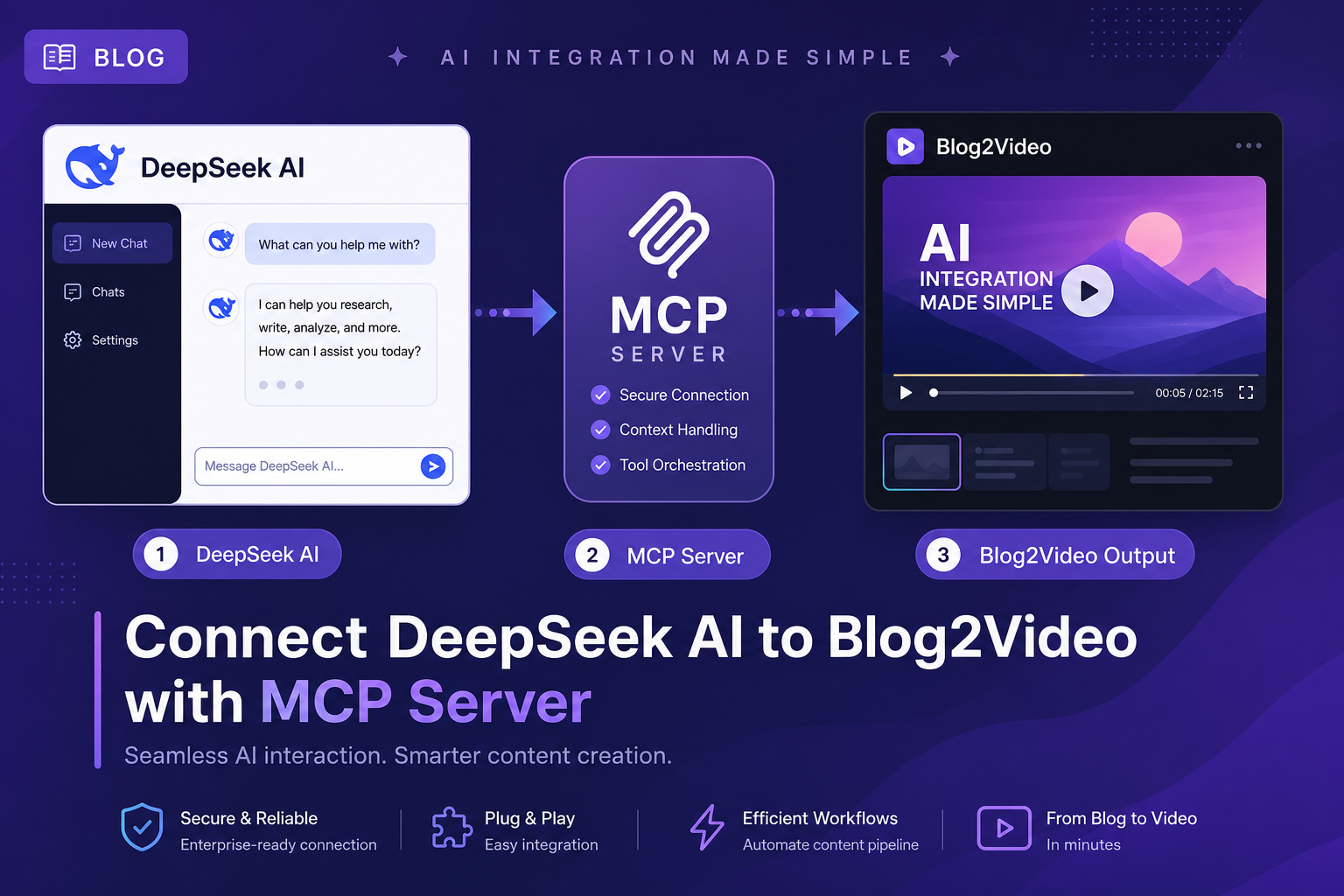
DeepSeek V4 ships under the MIT license with a 1M-token context and strong agentic tool-calling performance. Add the Blog2Video MCP endpoint and you have a fully open-weight blog-to-video pipeline that runs wherever DeepSeek runs.
DeepSeek and MCP: why open-weight models work here
DeepSeek V4 shipped in April 2026 in two variants: V4-Pro (1.6T MoE, 49B active parameters) and V4-Flash (284B MoE, 13B active). Both expose a 1M-token context and are released under the MIT license, meaning you can run them locally, on your own cloud, or via the DeepSeek API.
For MCP, DeepSeek uses an OpenAI-compatible function-calling format. Any MCP client that supports the OpenAI tools array can route DeepSeek against remote MCP servers — including Blog2Video — with no modification.
What the Blog2Video MCP server does
The Blog2Video MCP server sits at https://api.blog2video.app/mcp/sse and exposes the full video-creation pipeline: scrape a blog URL, generate a script and scenes, get a preview link, and render to MP4.
Authentication is a Bearer token you copy from Blog2Video's Connect to AI page. Every call from your DeepSeek-powered agent must include Authorization: Bearer followed by that token.
Method 1: OpenAI-compatible API (zero extra config)
DeepSeek's API is OpenAI-compatible, which means any MCP client or framework that speaks the OpenAI function-calling format can swap in deepseek-v4-pro or deepseek-v4-flash as the model name and it will just work.
Add the Blog2Video MCP server to your chosen MCP client (Claude Code, LiteLLM proxy, or any OpenAI-format agent framework), then point the model at the DeepSeek API endpoint with your DeepSeek API key. The MCP layer stays the same; only the model changes.
Method 2: local CLI config via Claude Code
If you use Claude Code, you can add the Blog2Video server as a remote MCP entry. Run: claude mcp add --transport http blog2video https://api.blog2video.app/mcp/sse --header 'Authorization: Bearer YOUR_BLOG2VIDEO_JWT'.
This stores the server in your Claude Code MCP settings. You can then route requests through DeepSeek by configuring LiteLLM or another proxy to forward model calls to the DeepSeek API endpoint.
- DeepSeek API is OpenAI-compatible — no custom MCP client needed.
- Model names: deepseek-v4-pro or deepseek-v4-flash.
- Blog2Video endpoint: https://api.blog2video.app/mcp/sse.
- Auth header: Authorization: Bearer followed by your Blog2Video JWT.
Method 3: local npx server alongside Blog2Video
For a fully local setup, add the DeepSeek MCP server to your config file alongside the Blog2Video server. The DeepSeek server wraps the DeepSeek API; the Blog2Video server exposes the video pipeline. Your MCP host can use both in the same session.
Add to your mcpServers config: blog2video with the HTTP endpoint and your JWT header, and deepseek with the npx command pointing to @arikusi/deepseek-mcp-server with your DEEPSEEK_API_KEY in the env block.
Frequently Asked Questions
Which DeepSeek model should I use for blog-to-video workflows?
V4-Pro is the better choice for multi-step agentic workflows where accurate tool selection matters. V4-Flash is faster and cheaper for simpler pipelines where the prompt is explicit about which tools to call.
Can I run DeepSeek locally and still use the Blog2Video MCP server?
Yes. The Blog2Video MCP server is a remote HTTP endpoint — it runs in Blog2Video's cloud regardless of where your model runs. You can use a locally hosted DeepSeek instance as the AI and still call the remote Blog2Video tools.
Do I need a DeepSeek API key and a Blog2Video JWT?
Yes, both. The DeepSeek API key authenticates your model access; the Blog2Video JWT authenticates your calls to the Blog2Video MCP server. They are separate credentials for separate services.