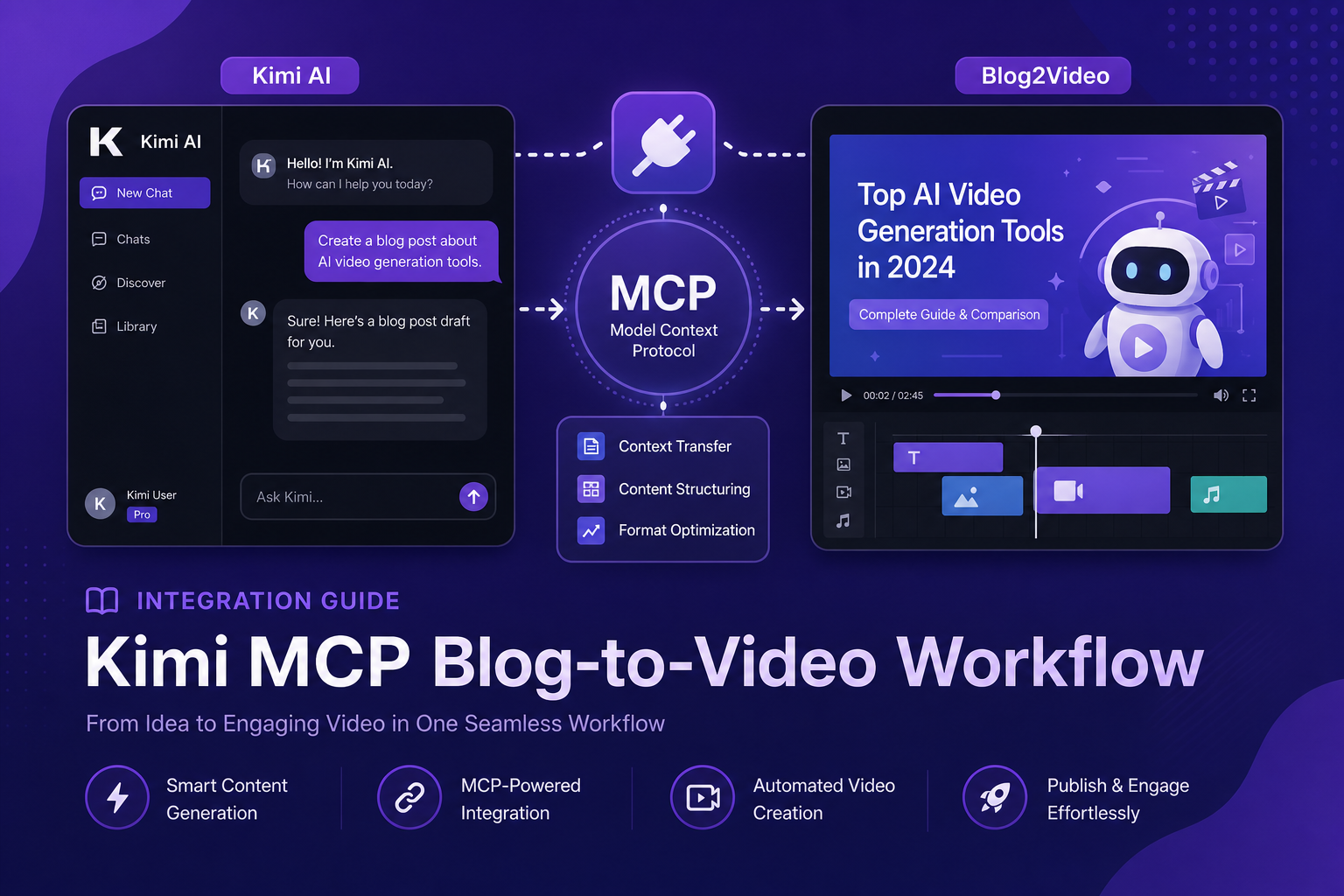
Integration guide
Kimi K2 plus Blog2Video MCP: the strongest open agentic model meets real video output.
Moonshot AI's Kimi K2.6 tops 2026's public agentic tool-calling benchmarks. Combine it with Blog2Video's MCP server and you have a pipeline that turns a blog URL into a shareable video preview in one agentic session.
Kimi K2 and MCP: built for agentic tool use
Moonshot AI's Kimi K2.6 shipped on April 20, 2026, and quickly became the leading open-weight model on agentic tool-calling benchmarks. Kimi Code CLI is Moonshot's official agent CLI, purpose-built for multi-step tool use — exactly the pattern Blog2Video's pipeline requires.
MCP is a first-class feature in Kimi Code CLI. You can add any MCP server in two lines of config and Kimi will discover its tools, reason about them, and call them in the right order to complete a task.
What the Blog2Video MCP server does
The Blog2Video MCP server exposes the full video-creation pipeline at https://api.blog2video.app/mcp/sse. Give Kimi a blog URL and it can call create_video to scrape the article and generate scenes, then get_preview_url to return a shareable link.
Every call requires Authorization: Bearer followed by your JWT from Blog2Video's Connect to AI page. The server supports the HTTP Streamable and SSE transports that Kimi Code CLI expects.
Method 1: Kimi Code CLI
Kimi Code CLI stores its MCP configuration in ~/.kimi/mcp.json, using the same format as Claude Desktop and other standard MCP clients. To add Blog2Video, run: kimi mcp add --transport http blog2video https://api.blog2video.app/mcp/sse.
Then open ~/.kimi/mcp.json and add your Authorization header to the blog2video entry's headers field: Authorization: Bearer followed by your JWT.
Restart Kimi CLI. The Blog2Video tools will appear in your session. Ask Kimi to turn a blog URL into a video and it will handle the multi-step flow automatically.
- Run: kimi mcp add --transport http blog2video https://api.blog2video.app/mcp/sse
- Add Authorization header to ~/.kimi/mcp.json.
- Restart CLI to load the new server.
- Confirm tools are available by asking Kimi to list Blog2Video tools.
Method 2: MCP Agent Studio (no install required)
MCP Agent Studio is a browser-based tool that lets you connect any MCP server to Kimi K2.6 without installing anything locally. Click Add Server, paste the Blog2Video endpoint URL, add your Bearer token in the auth field, and select Kimi K2.6 from the model dropdown.
This is the fastest way to test the Blog2Video MCP server with Kimi without setting up a local development environment. New accounts include starter credits.
What you can build with Kimi and Blog2Video
Kimi K2's strong agentic reasoning means it can handle the full blog-to-video workflow with minimal prompting. Give it a URL and say make a video. It will pick the right tools in the right order without step-by-step instructions.
For more complex workflows, Kimi can also handle scene editing: update narration text, reorder scenes, swap images, or change the template. Each action maps to a specific MCP tool that Kimi can call based on your natural-language instruction.
Frequently Asked Questions
Where do I get Kimi Code CLI?
Install it from the Moonshot AI GitHub repository at github.com/MoonshotAI/kimi-cli, or follow the instructions at platform.kimi.ai. You will need a Moonshot AI API key.
Can I use Kimi's web interface instead of the CLI?
MCP connector support in Kimi's web interface is still limited. For reliable MCP tool use, the Kimi Code CLI or MCP Agent Studio are the recommended paths.
Does Kimi K2 handle the create_video wait time well?
Yes. create_video blocks for one to five minutes, but Kimi Code CLI holds the tool call open until it returns. You do not need to poll or retry.